
Configure work request type
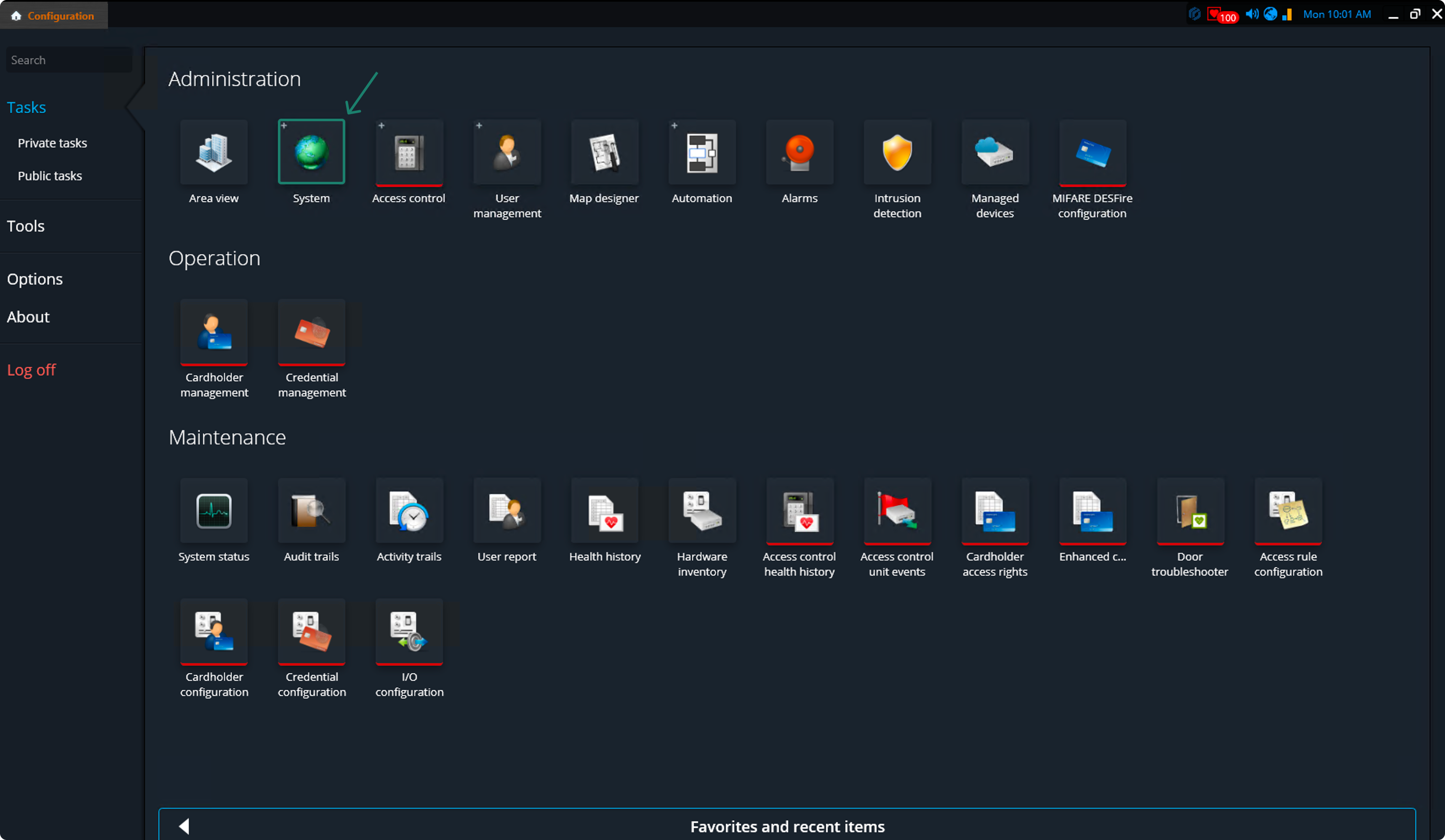
To enable work requests from Security Center SaaS to Operations Center, you must configure the work request type.To do so, Open the Configuration application and hover over the System tile.
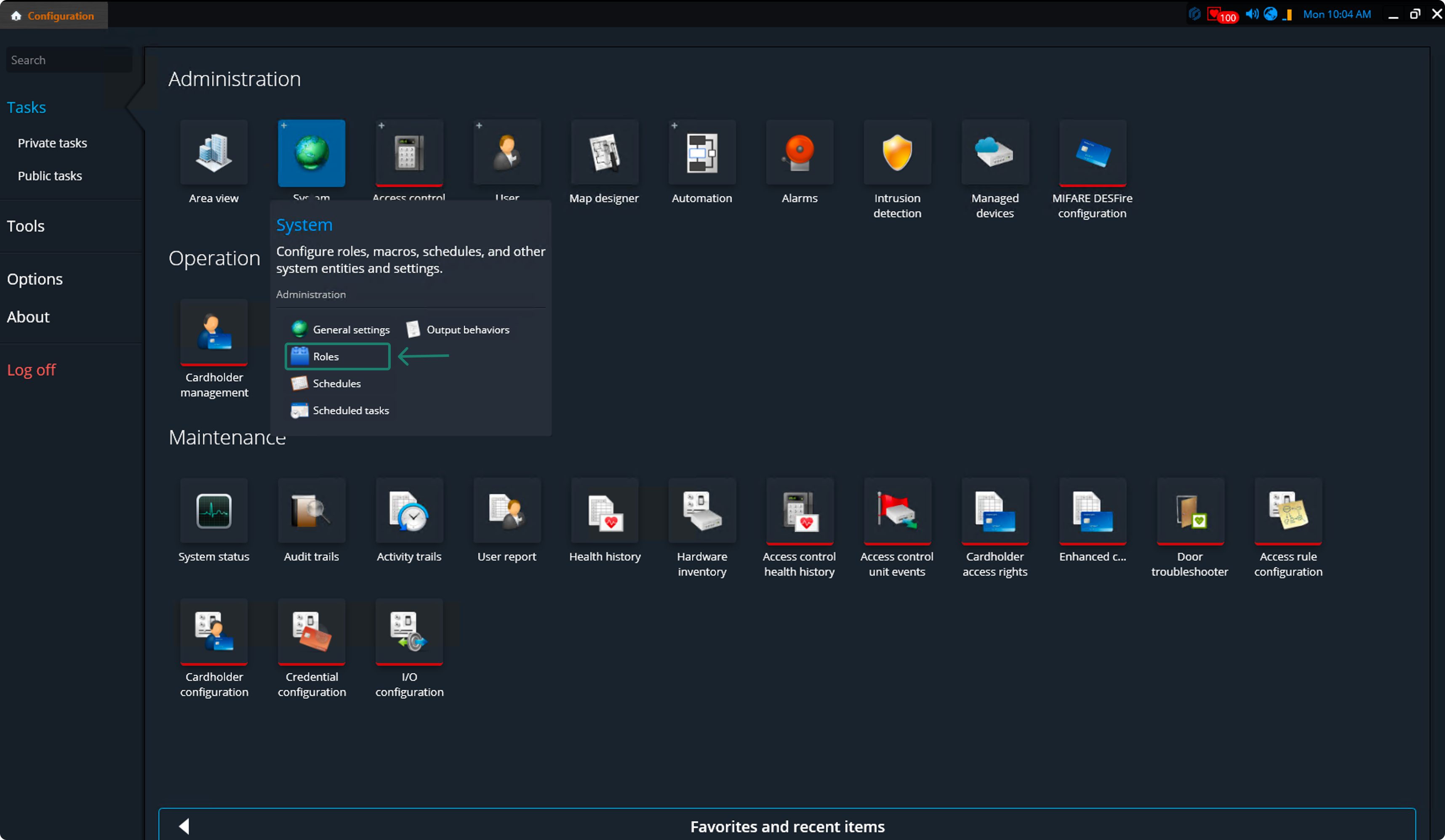
From the dropdown menu, select Roles.
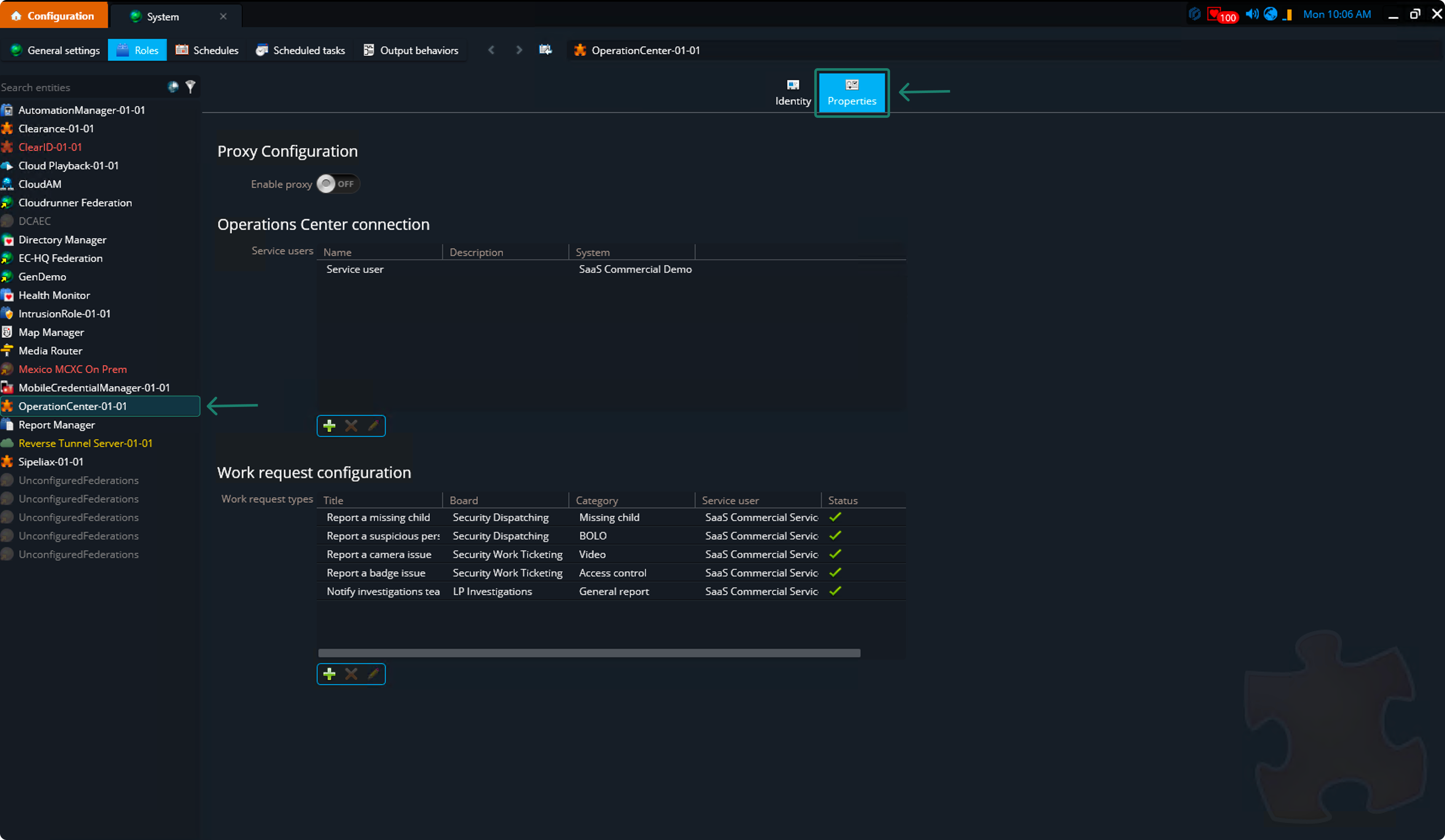
In the opened page, use the side navigation and select Operations Center, then go to the Properties tab.
Create a board in Operations Center
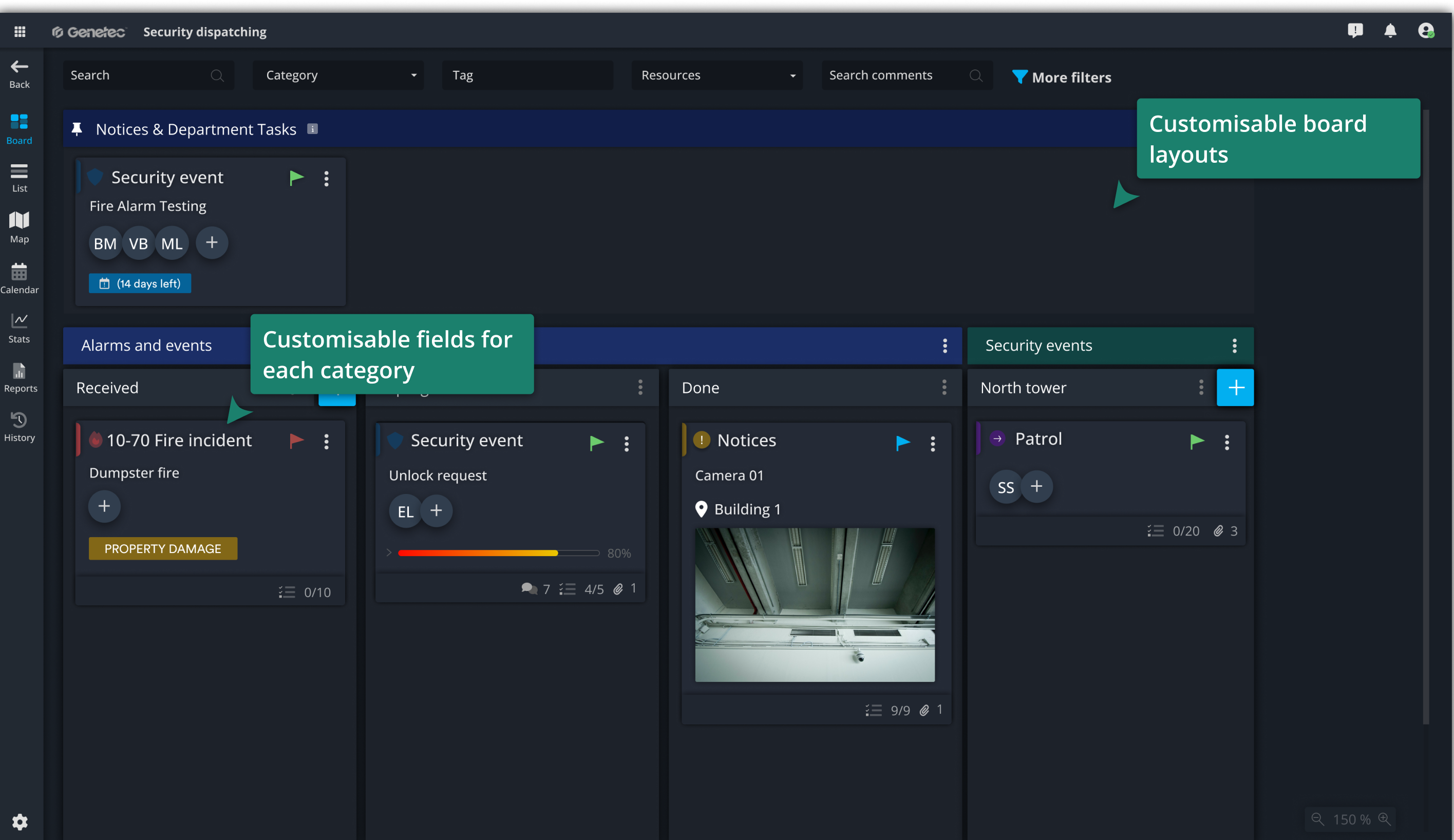
With a SaaS Premium license, a preconfigured board is already available in the Operations Center where work requests are routed. If you’d like to add additional boards or customize layouts, read this article.
Work request configuration
Click the + icon to add a work request type. This allows you to configure the details of the card that will be created in Operations Center when using the one-click work request creation feature in Security Center SaaS.
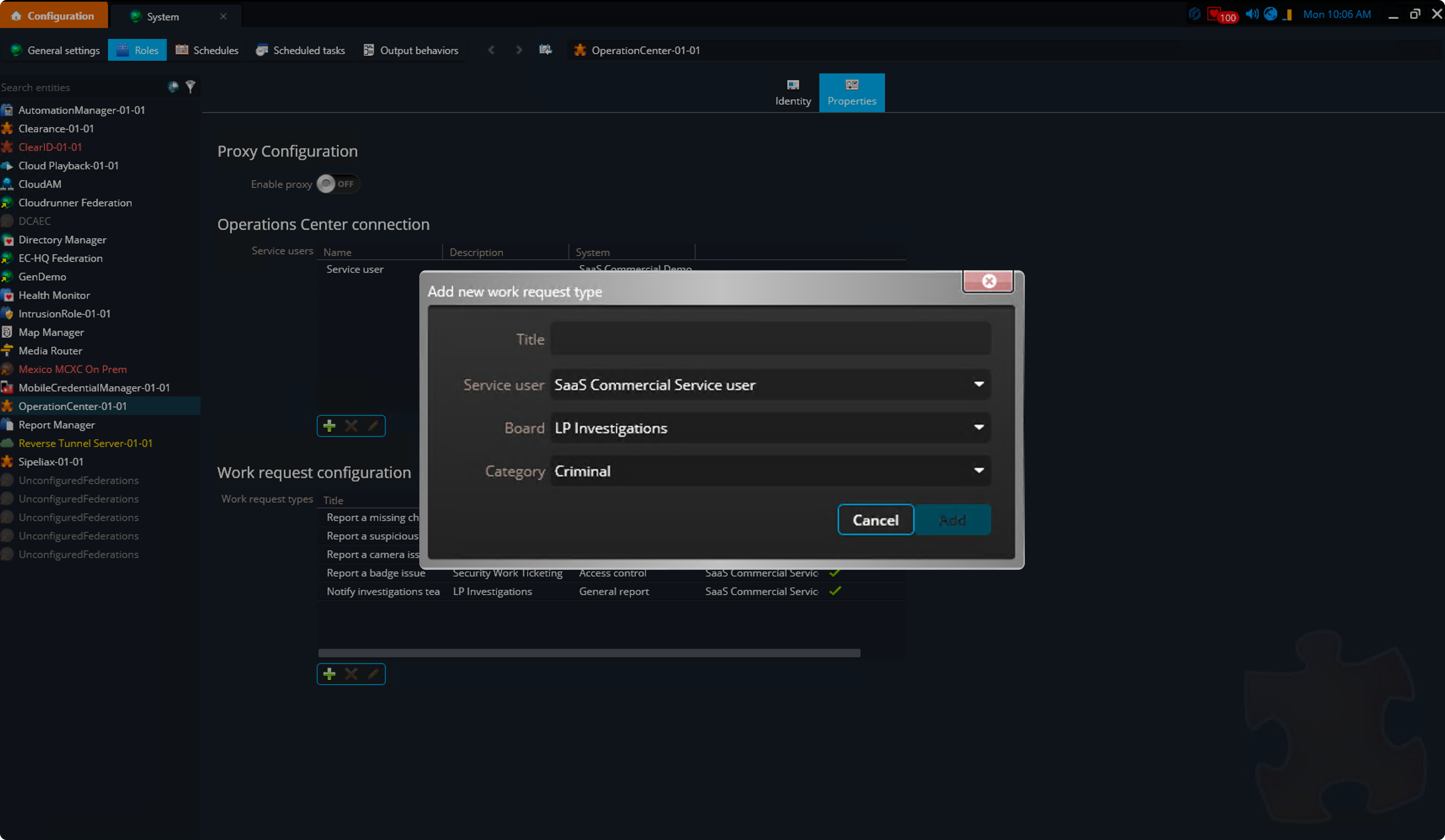
- Provide a title for the request so that when creating a work request from SaaS, operators can easily identify which request type to select.
- The Service user field is prefilled automatically.
- Select the board where the work request will be created and choose the appropriate category for the card.
Contact Support
If you have questions or need assistance, please reach out to our support team via OC-Support@genetec.com.