
Schedule cards
With Schedule Cards, teams can prepare work ahead of time and let the system handle the rest. Cards can be scheduled to appear once in the future or repeat automatically based on a chosen pattern.
By automating task creation, teams spend less time managing routine work and more time focusing on what matters most.
Schedule a card
Cards can be scheduled by selecting the Schedule Card option from the tool bar which opens a popup where users choose how and when the card should be created.
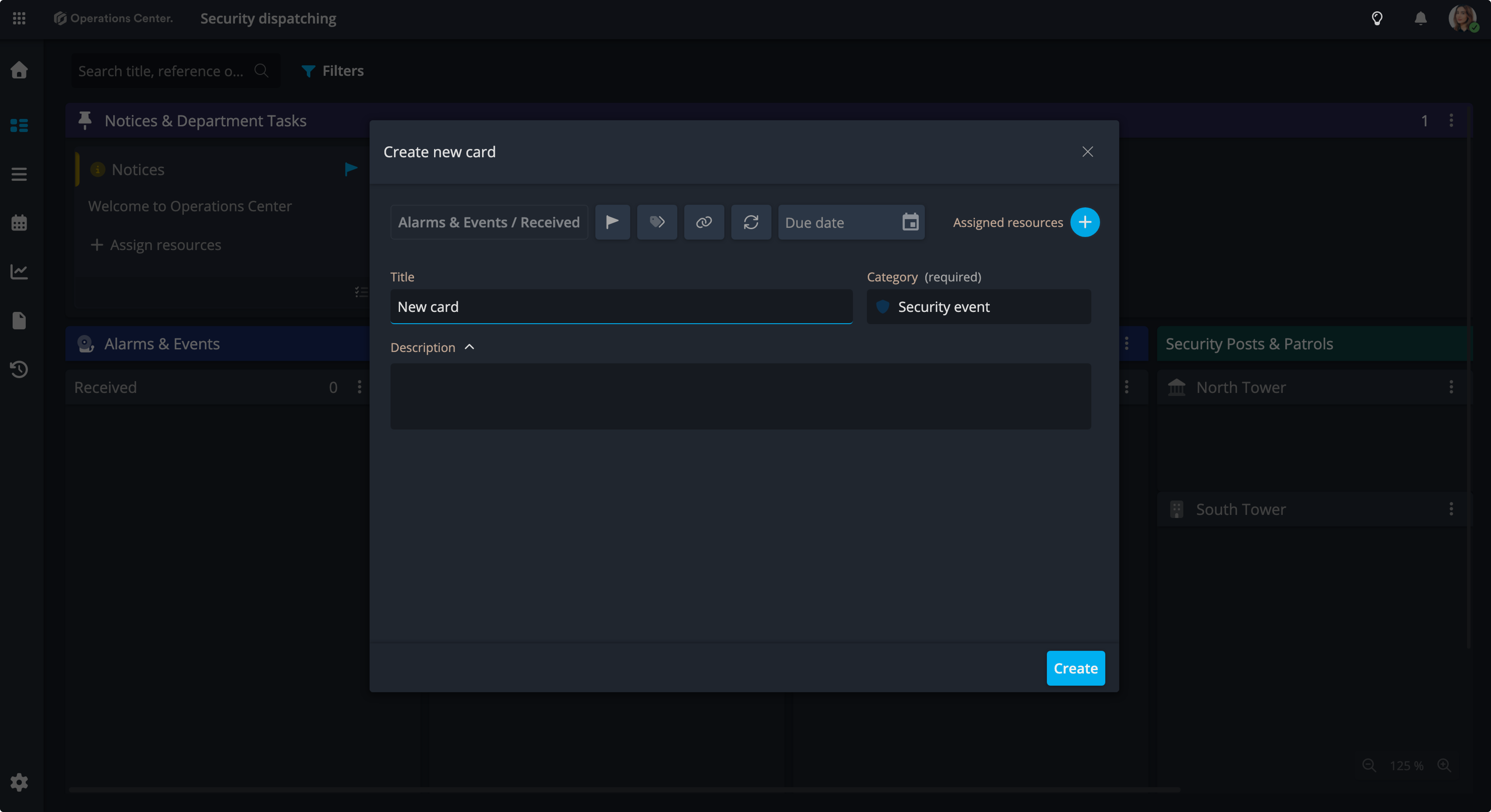
A card can be scheduled in two ways:
- Create once
Creates a single card at the selected date and time. This is useful for tasks that need to appear later but only occur once. - Recurring
Creates cards automatically on a repeating schedule. Users can choose a pattern such as daily, weekly, monthly, or yearly and optionally define an end date. If no end date is specified, the card will continue to be created based on the selected recurrence pattern.
Permissions
Scheduling options depend on board permissions.
- Board admins can create both one-time scheduled cards and recurring cards.
- Board members can create one-time scheduled cards only.
View schedule and recurring cards
Scheduled cards can be viewed in List View, where they are organized into two separate tabs for easier management and visibility.
- The Scheduled Cards tab displays non-recurring cards that are scheduled to be created automatically at a specific date and time. This allows users to track upcoming tasks that will appear on the board in the future. Once a card is created, its placeholder is automatically removed from the Scheduled Cards view.
- The Recurring Cards tab shows cards that are configured to be created automatically based on a recurring schedule, such as daily, weekly, monthly, or yearly.
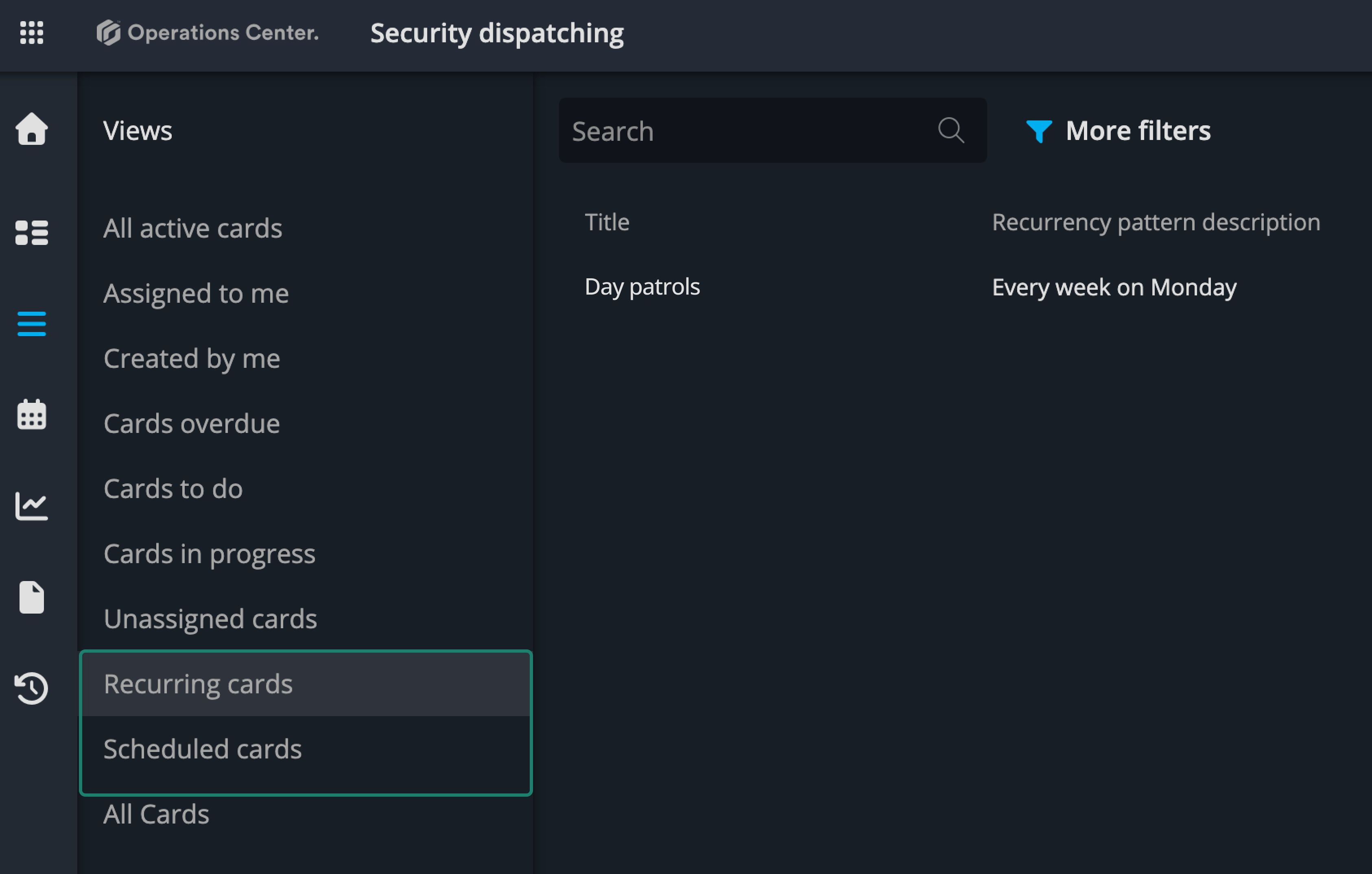
Both tabs provide a clear overview of upcoming automated card creation, allowing teams to review and manage planned work before the cards appear on the board.
Contact Support
If you have questions or need assistance, please reach out to our support team via OC-Support@genetec.com.